Phased Odoo ERP Rollout: Why Inventory Sequencing Determines Whether You Reduce Stockouts or Stall at Phase 2

 5 min read
5 min read
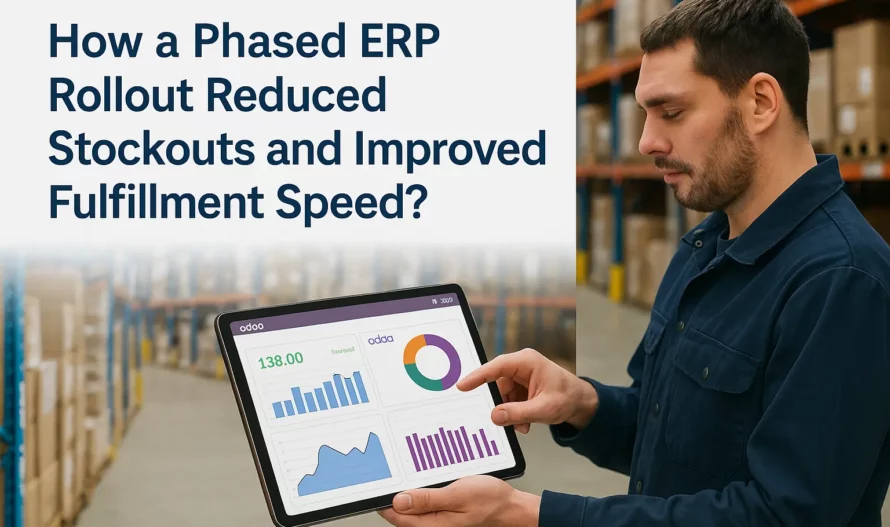
Most businesses that start a phased Odoo ERP rollout finish Phase 1 feeling good. Barcode scanning works. Stock counts are more accurate. The warehouse team is sold. Then Phase 2 hits — replenishment automation, multi-location visibility, supplier lead time integration — and the project quietly stops moving.
Deadlines slip. The ERP team blames the warehouse team. The warehouse team blames the data. Everyone’s right, but no one’s looking at the actual problem: the phases were sequenced wrong from the start. Given that 68% of ERP implementations exceed their initial timeline (Panorama Consulting 2024), getting that sequence right is not optional.
There’s a standard pitch for phased Odoo inventory implementations: start small, prove ROI, then expand. It’s solid advice. The problem is that “start small” usually gets interpreted as “implement the features the vendor shows in the demo first.” That’s rarely the right sequence.
The typical Phase 1 in a phased Odoo ERP rollout covers warehouse receiving, basic stock moves, and barcode scanning. That’s fine. But Phase 2 — automated reorder rules, demand-based replenishment, safety stock calculation — requires something Phase 1 rarely delivers: clean, trusted baseline inventory data.
If your stock counts were off before Odoo, they’re still off in Odoo unless someone physically reconciled them. Odoo reorder rules built on inaccurate on-hand quantities will trigger orders at the wrong time, for the wrong quantities. Stockouts don’t decrease — they shift. The system becomes the problem instead of the solution, and the rollout stalls.
We see this pattern across Odoo inventory implementations. The fix isn’t more software. It’s getting the sequence right before Phase 2 starts.
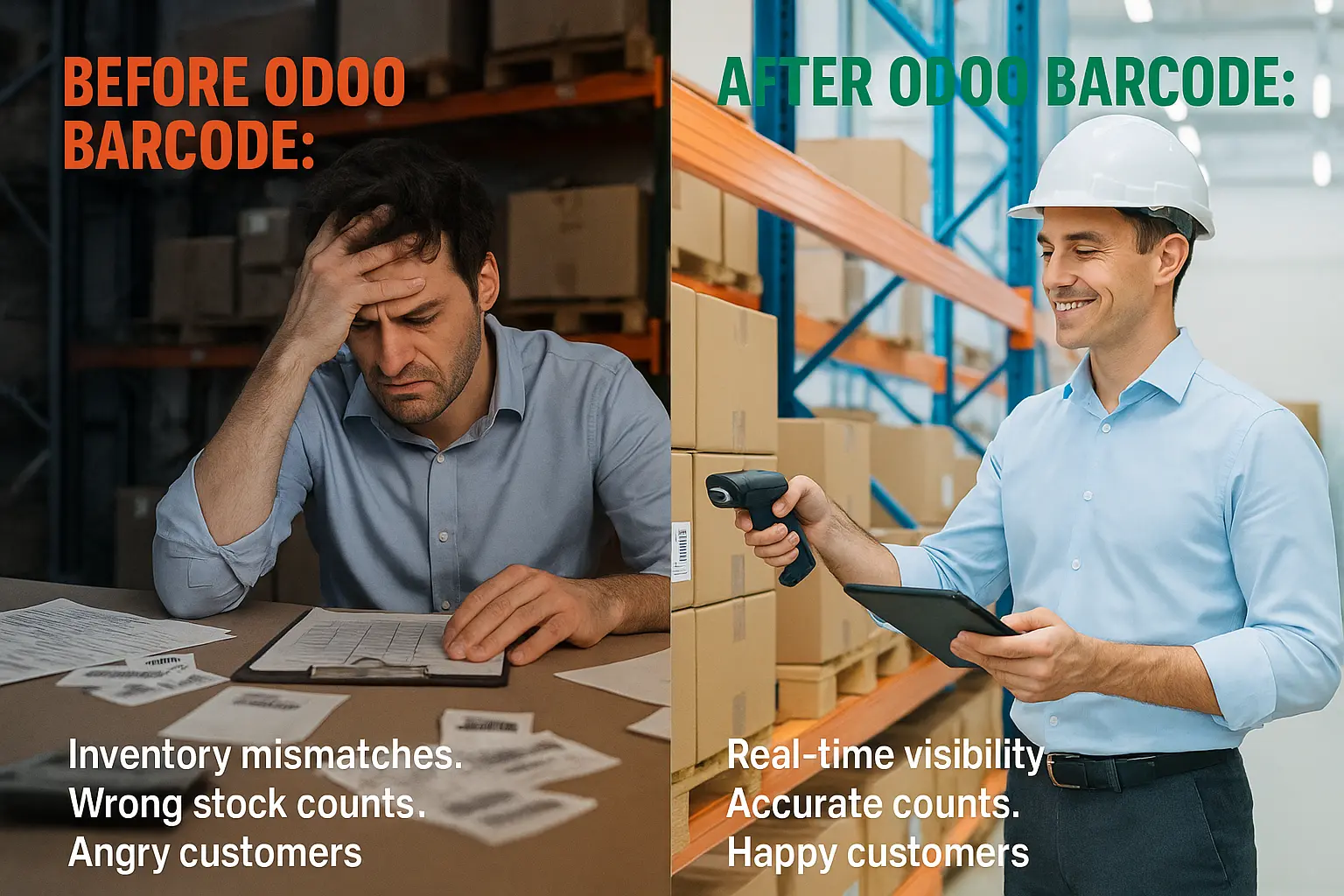
A well-sequenced phased Odoo inventory implementation isn’t about feature order — it’s about data readiness gates. Each phase must deliver a specific data outcome before the next phase starts. Here’s the inventory ERP sequencing that actually works:
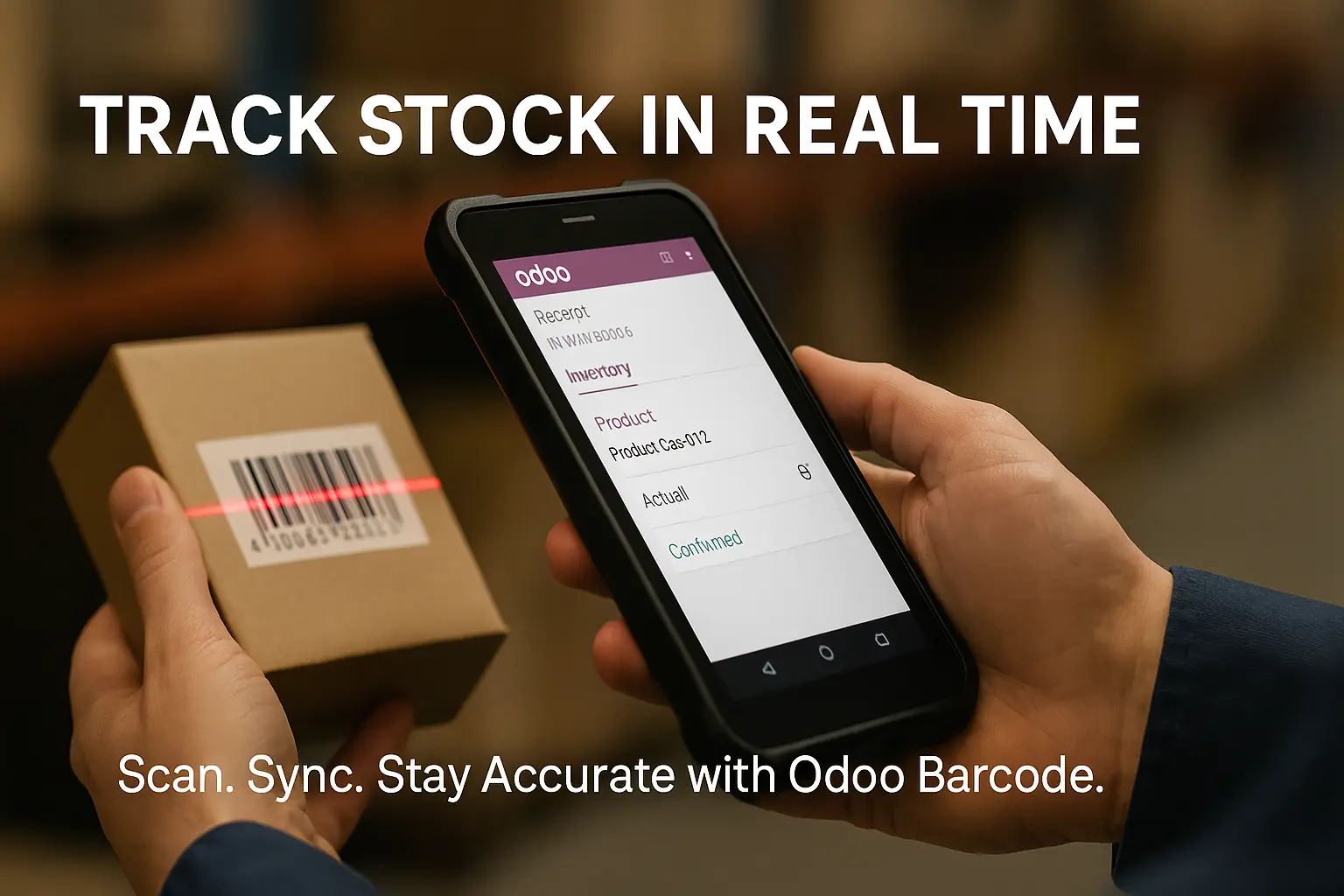
Goal: Trust your numbers. Implement Odoo’s inventory module at one location, run a physical count, import opening stock with verified quantities, and run a 30-day parallel period where both the old system and Odoo are updated. Discrepancies are investigated, not ignored. By end of Phase 1, your on-hand quantities are accurate to within 1–2% variance.
What you’re not doing yet: automated Odoo reorder rules, multi-location transfers, or supplier lead time integration. That comes later.
Goal: See everything before you automate anything. This is where most rollouts jump straight to reorder rules. Don’t. Expand Odoo to additional locations first, establish inter-branch transfer workflows, and let your team run manual replenishment decisions through Odoo for 60 days. This builds warehouse staff confidence and gives you real demand data — actual consumption patterns, not vendor estimates — to set reorder points against.
A Life Sciences instrumentation client BiztechCS worked with in the USA ran three months of manual replenishment through Odoo before activating automated purchase order triggers. That 90-day window reduced parts stockouts by 30% through manual discipline alone — and delivered the demand data needed to configure Odoo reorder rules that matched real demand cycles, not catalog assumptions.
Now you automate — but selectively. Start with your top 20% of SKUs by stockout frequency or revenue impact. Set min/max Odoo reorder rules based on 90 days of actual demand data (not spreadsheet estimates). Configure lead time buffers by supplier, not by product category. Run automated replenishment for 30 days with human review of every generated PO. Gradually reduce review thresholds as trust builds. Research consistently shows businesses completing all three phases achieve 35–45% stockout reduction and 20–30% lower carrying costs.
|
Phase |
Goal |
Data Gate Before Starting |
Typical Timeline |
|
Phase 1 — Baseline |
Accurate on-hand quantities at one location |
None (starting point) |
4–8 weeks |
|
Phase 2 — Visibility |
Multi-location visibility + real demand data |
Variance below 2% at Phase 1 location |
8–12 weeks |
|
Phase 3 — Automation |
Automated Odoo reorder rules for top SKUs |
90 days of real Odoo demand data in Phase 2 |
6–10 weeks |
Here’s the mechanics of why jumping straight to Odoo reorder rules causes Phase 2 stalls. Odoo’s automated replenishment uses on-hand quantity + forecasted demand + safety stock to generate purchase orders or internal transfer recommendations. Each of those three inputs must be accurate for the output to be useful.
On-hand quantity is wrong in most pre-Odoo environments. Spreadsheets don’t capture shrinkage, returns to wrong locations, or informal inter-branch borrows. Forecasted demand defaults to a moving average of historical sales — but if your historical sales data had stockouts (it did, that’s why you’re implementing Odoo), the demand forecast is artificially low for those periods. Safety stock calculations compound both errors.
The result: Odoo generates purchase orders that are either too early (overstock) or too late (stockout continues). Warehouse staff stop trusting the system. They go back to manual judgment. The ERP becomes a parallel record-keeping burden instead of a decision tool. This is precisely why 68% of ERP implementations exceed timeline — not because the software doesn’t work, but because it’s fed bad data and expected to produce good decisions.
The fix is a data readiness gate between Phase 1 and Phase 2. BiztechCS builds this gate into every phased Odoo ERP rollout by default. It’s not a popular conversation before go-live — clients want to see automation working on day one — but skipping it costs far more in Phase 2 rework than a four-week validation takes upfront.
Check your historical sales data for stockout periods before importing it into Odoo for demand forecasting. Any month where a SKU had zero sales but non-zero demand (because you were out of stock) will undercount true demand. Flag those periods and use the 3-month pre-stockout average instead.
The second most common Phase 2 failure mode is expanding Odoo to additional locations before the first location is stable. The logic feels sound: if Phase 1 is working at the main warehouse, start Phase 2 at Branch B and Branch C in parallel.
What actually happens: staff at Branch B haven’t been through the same 30-day parallel run that built discipline at the main warehouse. Data entry habits are different. The inter-branch transfer module creates transactions at both ends that need to reconcile. If anyone skips a step — receiving scan not confirmed, transfer not validated in Odoo — you get ghost inventory at one location and phantom shortages at another.
Inter-branch automation in Odoo inventory management — where Odoo identifies excess stock at one branch and recommends transfer to a low-stock branch — only works when both locations have accurate on-hand data. If Branch B’s quantities are off, Odoo will recommend pulling stock from a branch that doesn’t actually have it, generating manual correction work and eroding trust in the system.
The right approach: certify each location individually before connecting them for automated transfers. Certification means completing the Phase 1 data integrity process at that location — physical count, parallel run, variance under 2%. One location at a time. Slower calendar, but Phase 3 automation lands cleanly because the data under it is solid.
When the sequencing is right, the outcomes are significant. Automated inventory management research consistently shows 35–45% reduction in stockout incidents and 20–30% reduction in carrying costs for businesses that complete all three implementation phases. Those numbers are real — but they’re Phase 3 outcomes, not Phase 1 outcomes.
For a UK kitchen retailer BiztechCS implemented Odoo for, process turnaround dropped 50% and wastage fell 35% after full implementation. That 50% improvement in Odoo fulfillment speed didn’t come from the software alone; it came from clean data feeding automated workflows that warehouse staff actually trusted. Holding costs fell by 25% — consistent with the 2023 Mordor Intelligence finding that full-stack inventory automation delivers that level of savings.
Realistic expectations by phase for a typical multi-location operation:
| Metric | After Phase 1 | After Phase 2 | After Phase 3 |
| Inventory accuracy | 85–92% | 93–96% | 97–99% |
| Stockout frequency | 15–20% reduction | 30–35% reduction | 40–50% reduction |
| Odoo fulfillment speed | Minimal change | 10–15% improvement | 25–35% improvement |
| Manual reconciliation time | 40–50% reduction | 60–70% reduction | 80–90% reduction |
| Carrying costs | Minimal change | 5–10% reduction | 18–28% reduction |
Q: How long does a phased Odoo ERP rollout take from start to Phase 3 automation?
For a business with 2–4 locations and 500–2,000 active SKUs, the full sequence from Phase 1 data integrity to Phase 3 targeted automation typically takes 6–9 months when each phase is done properly. Rushing it — especially the Phase 1-to-Phase 2 transition — adds rework that often pushes total timeline past 12 months.
Q: Can we run Odoo and our existing system in parallel during the rollout?
Yes, and BiztechCS recommends it for Phase 1 at minimum. The parallel run is how you catch data discrepancies before they get baked into automation. Most clients run parallel for 30–60 days at each new location. The overhead is real, but discovering your Odoo reorder rules are wrong after you’ve automated 300 SKUs is more expensive.
Q: What’s the minimum data quality needed before activating automated reorder rules?
On-hand quantity variance under 2% (confirmed by physical count and 30-day reconciliation). Supplier lead times entered for your top 50 SKUs. At least 60 days of real Odoo demand data — not imported historical spreadsheet data. Without all three, automated reorders will generate more exceptions than they resolve.
Q: How does BiztechCS handle the phased rollout differently from other Odoo partners?
BiztechCS builds data readiness gates between phases — specific measurable criteria that must be met before Phase 2 or Phase 3 starts. Most partners scope phases by feature set rather than data readiness. The gate approach adds time upfront but cuts Phase 2 rework by roughly half.
At BiztechCS, we’ve delivered 1,200+ projects including multi-location Odoo inventory implementations for manufacturers, distributors, and retailers across the USA, Middle East, and India. The consistent finding: projects that land on time and hit their stockout reduction targets are the ones that treated data quality as a Phase 1 deliverable, not a precondition someone else was supposed to handle.
Our approach to phased Odoo ERP rollouts covers:
A phased Odoo ERP rollout works when the phases are ordered by data readiness, not feature availability. The businesses that reduce stockouts with Odoo and hit their Odoo fulfillment speed targets are not the ones that moved fastest — they’re the ones that built clean data foundations before activating Odoo inventory management automation.
Phase 1 delivers accurate numbers. Phase 2 delivers visibility and real demand data. Phase 3 delivers the 35–45% stockout reduction and 25% holding cost savings the research promises. Skip the gates between them and you’ll spend more time in Phase 2 rework than the validation would have taken.
If your Odoo inventory implementation has stalled, or you’re planning one and want to get the inventory ERP sequencing right from the start, BiztechCS can audit your current state, identify where the sequence broke down, and build a restart plan grounded in your actual data.