
 27
27
Odoo Go-Live Checklist: 20 Things to Verify Before You Switch Off Your Old System
 5 min read
27
5 min read
$25M-$50M
Mohawk's anticipated Q1 sales impact after a 2025 order-system go-live went wrong (UpperEdge, 2025)
$172M
Damages Zimmer Biomet claims after a premature July 2024 ERP go-live (MassDevice, 2025)
Over 25%
Organizations that exceeded their ERP project budget, per Panorama Consulting's 2026 ERP Report
Every Odoo project has one moment that never gets the respect it’s owed. It’s the one where somebody decides the new system is ready and pulls the plug on the old one. Up to that point, everything’s reversible. That step isn’t. Not cheaply, anyway.
What follows is the Odoo go live checklist itself, twenty things to verify before you flip that switch, grouped the way a readiness review actually runs. Each one is written out properly, not just listed. A checklist only helps if you know what “verified” really means, and what it quietly costs you to wave an item through. So every point gives you three things. What to check. Why it matters. And the trap waiting if you skip it.
First, though, the uncomfortable bit, the one most go-live checklists tiptoe around. A checklist isn’t a decision. Clear every item on this list and you’ve proven you’re prepared. You still haven’t decided to go. The two things that genuinely save a launch, a scored go/no-go gate and a rehearsed rollback, are the ones almost no Odoo go live checklist online bothers to mention. Both are coming.
Why care this much? Because the failures rarely show up during the build. They show up after go-live, at real volume, in the first weeks everyone treats as a formality. A botched cutover put Mohawk Industries on track for a $25 million to $50 million sales impact in a single quarter, while a premature go-live left Zimmer Biomet facing a $172 million dispute. Those are the stakes hiding behind a quiet Tuesday cutover.
Bad data is the most common reason a go-live looks fine on Friday and falls apart on Monday. The system can be configured perfectly, but if the numbers underneath it are wrong, everything built on top is wrong too. Start here.
A full dress-rehearsal migration has run, with a reconciliation report. Do at least one complete migration into a copy of production and compare legacy record counts and balances against Odoo, line by line. This is what catches a broken field mapping or a dropped record before it’s live, not after. The trap is running it once early and never repeating it after the final configuration changes, which is exactly when new mapping errors creep in.
Opening balances tie out to the cent. Your trial balance, AR and AP aging, open invoices, and bank balances in Odoo must match the legacy close exactly. This is the number your first month-end depends on, so “close enough” isn’t a thing here. The common mistake is dumping all open receivables into one lump opening entry instead of per customer, which leaves your aging report useless from day one.
Master data is de-duplicated and complete. Customers, vendors, products, tax IDs, units of measure, and stock by location all need to be verified and free of duplicates. Duplicate vendors quietly split your spend and break payment matching; duplicate customers corrupt your reporting. Don’t migrate five years of stale records nobody has cleaned; a go-live is the cheapest moment you’ll ever get to leave the junk behind.
A migration cut-off date and time is fixed. Decide the exact instant legacy transactions stop and Odoo takes over, and communicate the freeze around it. Without a hard line, you get the worst outcome: some transactions entered in both systems, others in neither. Write the cut-off down and assign someone to enforce it.
If the numbers in Odoo don’t match the numbers in the old system to the cent, you are not ready, full stop. Everything else on this list assumes the data underneath it is trustworthy.
This is where an Odoo implementation checklist usually spends its time, and for good reason. Configuration is where Odoo either fits how you work or quietly forces you to work around it. Confirm the setup reflects how you actually operate, and that it’s been tested, not just switched on.
Chart of accounts, taxes, and fiscal positions need to be configured and tested on real documents, not just set up in theory: VAT or GST, any e-invoicing rules, proven by actually generating an invoice, a credit note, and an export or reverse-charge case, then checking the tax and general-ledger entries they produce. Configured-but-untested tax logic is one of the most expensive things to discover in the first filing rather than the first test. The same rigor applies to sequences, numbering, multi-currency, and the company and fiscal-year setup: invoice and document numbering often has to stay continuous and legally sound from the legacy system, multi-currency rounding has to behave, and a sequence has to be verified not to reset or collide mid-year. The trap is a numbering scheme that looks fine in testing and breaks audit continuity the moment real volume hits it.
Access rights and user roles are the item most likely to get rushed, usually by making everyone an admin “to make go-live easier” — and it’s the line that quietly causes control and security problems for months. Build roles around actual job responsibilities with least privilege as the default, and restrict high-risk actions like journal entries, bank reconciliation, and configuration to the few people who should have them. Spend the time here.
Odoo rarely runs alone, and every connection to another system is a place data can go missing or double up. The seams between systems are where silent failures live, so test each one with real data flowing both ways.
Start with the connections themselves: payment gateway, shipping, e-invoicing, bank feeds, e-commerce, POS, whatever CRM or warehouse system is in play. Push a real transaction through each one both ways, and watch closely. Does a web order land in Odoo as exactly one order? Does the status going back out show up correctly at the other end? The classic failure here isn’t dramatic — it’s an integration that quietly duplicates orders, or drops a field under a morning’s load that it handled perfectly for one test record.
Third-party apps and custom code deserve the same scrutiny, because that’s where most surprises hide. A connection that passed a one-record test in a quiet sandbox is not the same as one that holds up under a morning’s worth of live orders, so test app-store modules and bespoke code at volume and against real edge cases, not just the happy path. Assume nothing “just works” until it’s been watched working on real data.
A clean build that nobody has stress-tested is just an untested build. This is the gate where the system proves it can take a real working day, and it’s where your process owners earn their keep.
User acceptance testing needs to be signed off by the actual process owners — the people who’ll live in each function, sales, warehouse, finance — against acceptance criteria agreed in writing before the build, not invented at the end. Sign-off belongs to them, not to IT or the partner; if finance hasn’t personally closed a month in the test environment, finance hasn’t signed off. That sign-off should hinge on every severity-one and severity-two defect being closed. Agree what those severities mean up front, then refuse to carry any bug that threatens data integrity into go-live. A cosmetic issue can wait; a defect that misposts to the ledger cannot, because by the time it surfaces in production it has already multiplied across hundreds of transactions.
Testing needs to follow the chains, not the screens: quote to sales order to delivery to invoice to payment, procure-to-pay, and any manufacturing flow from BoM to finished goods. Odoo’s value is in the hand-offs between functions, which is exactly what testing modules one at a time never exercises. The awkward edge cases belong in that same testing pass — returns, cancellations, partial deliveries, credit notes, and back-orders are where real operations actually live, and they’re the first thing a happy-path demo skips. Run them deliberately, because a customer will run them in week one whether they were tested or not.
Finally, a performance test needs to run on the critical workflows at peak volume. A system that feels instant for five testers can crawl for fifty users on Monday morning, so load-test the busiest workflows at the user and transaction volume actually expected — better to find the slow report or the locking issue in a test than in front of customers.
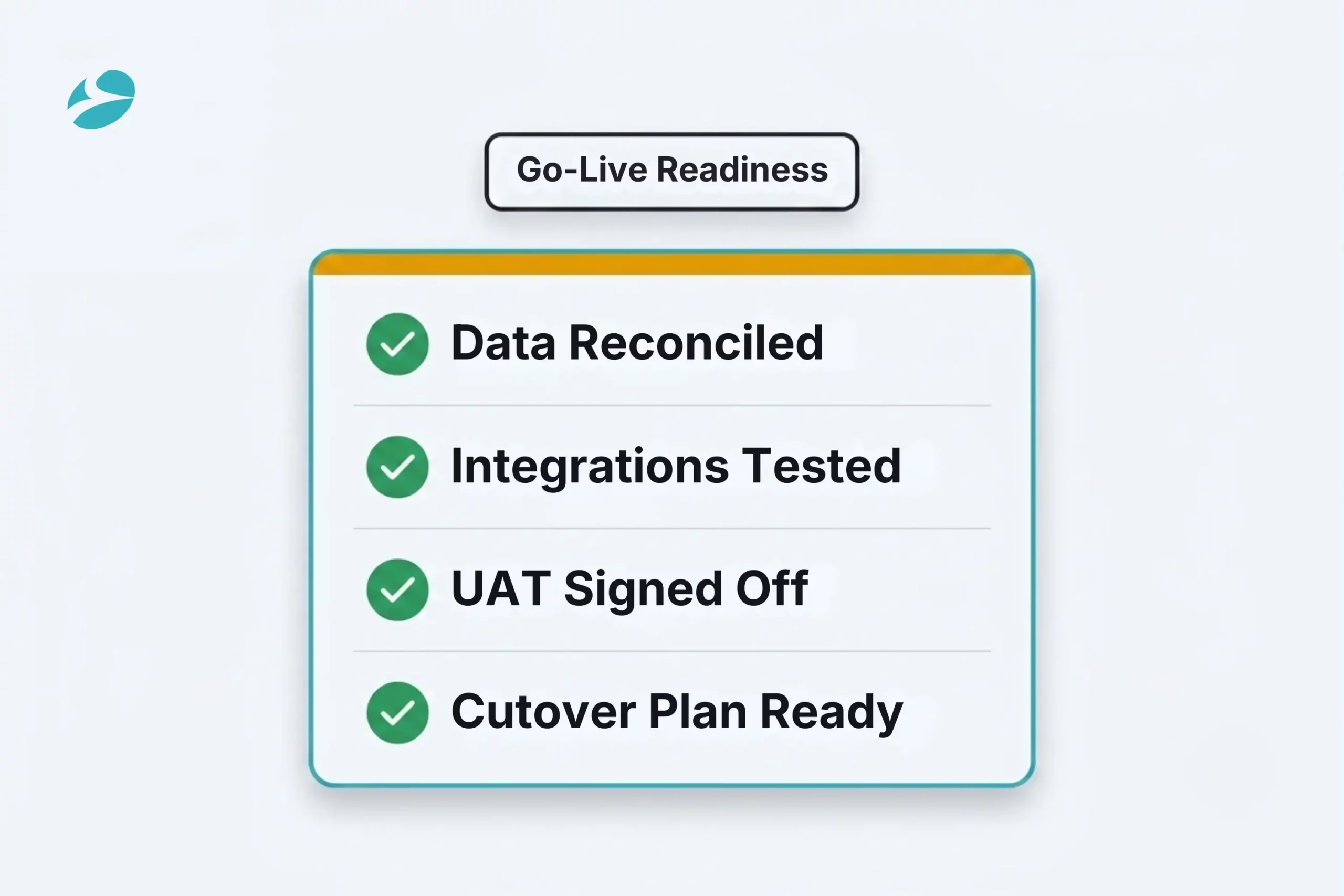
You can have flawless software and still blow the launch, if nobody knows how to drive it or where to go when they’re stuck. Go-live is a change for people first and software second. And this is the half that quietly decides whether your team adopts the system or builds little workarounds to dodge it.
It starts with training that’s role-based and scenario-driven, not a generic walkthrough of features nobody will remember: sales on the quote-to-order flow, warehouse on receipts and deliveries, finance on the close. People adopt the system they were taught to do their actual job in. From there, internal champions or super-users named in each team become the first line of help for their colleagues in week one — they answer the small questions faster than any ticket queue, and keep a hundred minor stumbles from turning into a hundred support tickets.
Behind them should sit a hypercare support plan: a staffed team with an escalation path, a ticket channel, and response times people actually know about, ready for the first weeks after launch. The first two to four weeks after go-live are when the real problems appear, so this window is the difference between a bumpy week and a runaway one — get the hypercare terms written into the contract, not just promised verbally in the pitch. And before any of it is tested for real, a cutover bulletin needs to go out: what’s changing, when the freeze and downtime window is, and where to get help, before the weekend, not on Monday. People forgive a hard change they were prepared for; they don’t forgive being surprised by one.
Finally, the mechanics of the switch, the unglamorous plumbing and timing that decide whether the weekend goes smoothly or not at all.
Backups need to be taken, tested, and the rollback rehearsed — a backup that’s never actually been restored isn’t a safety net, it’s a hope. Restore one, watch it come back clean, and only then trust it, and rehearse the rollback itself rather than just writing it down, because if launch night goes sideways, the goal is running a drill already done before, not inventing one at 2am with everyone watching. The production environment needs to be provisioned for real conditions too: server capacity for peak load, SSL, database and firewall access, working email and SMTP, and any printing or scanning hardware like label printers and barcode scanners. The detail that bites most often is email or printing that was never configured, so the first invoices and labels can’t actually go out on day one.
And there needs to be a written cutover plan: a minute-by-minute schedule for the cutover window, with an owner on every task and a clear sequence for shutting down the legacy system. This is what turns the loose plan of going live this weekend into an actual operation with owners and timings, instead of a hopeful Saturday where everyone assumes someone else has the next step.
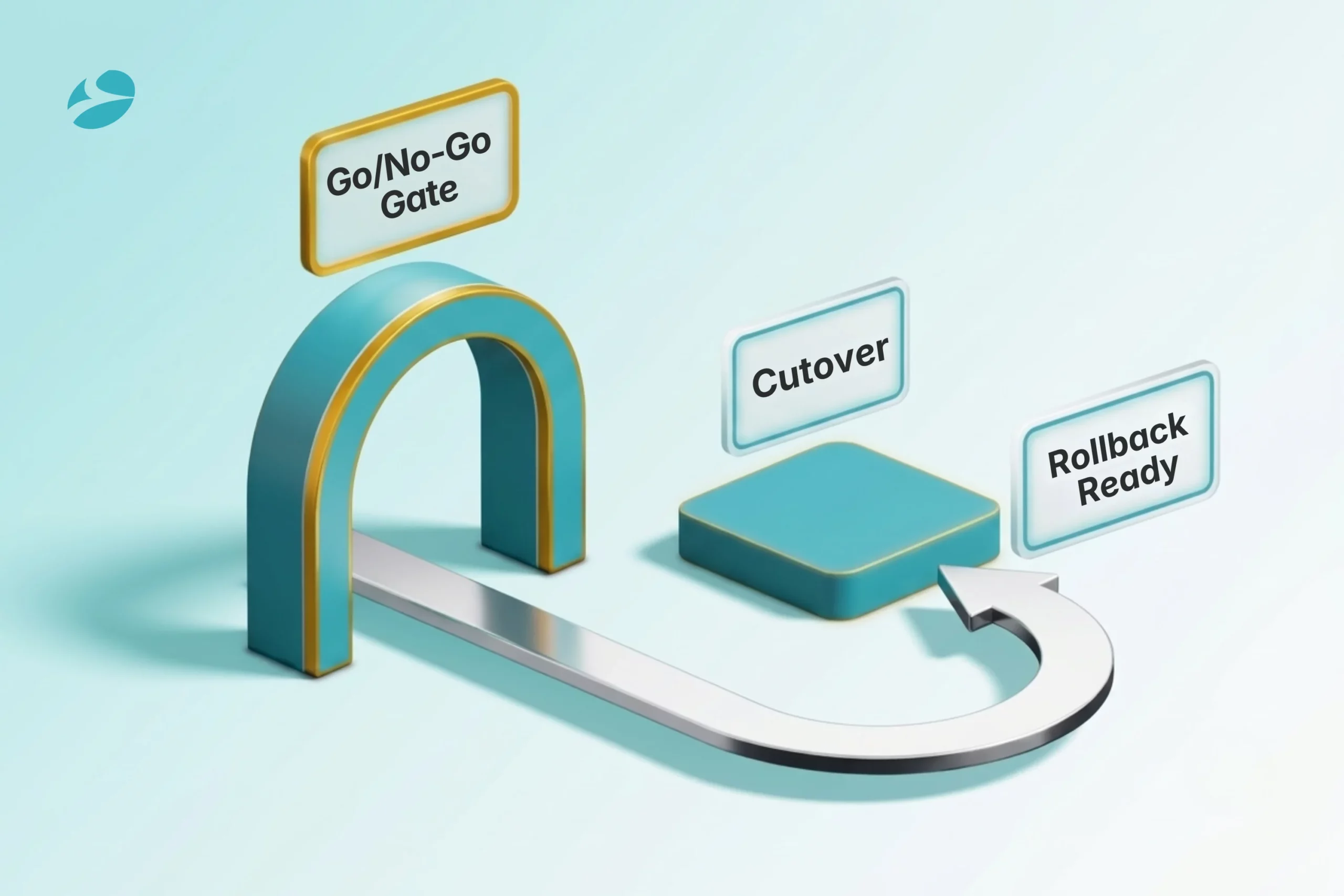
Here’s the page no competing Odoo go live checklist seems to publish, and it’s the most valuable one.
A checklist tells you whether you’re prepared. It does not make the call to go, and treating the list as if it were the decision is how teams talk themselves into launching on a “mostly green” status. So convert the list into an actual gate. Score each area on this checklist, agree in advance what counts as a pass, for example a hard rule that data must reconcile to the cent and no severity-one defect can be open, and name the one or two people with the authority to say go or no-go. The point of a gate is that it’s allowed to say “not yet,” even when the date is under pressure and everyone wants it over with. A go-live moved by two weeks is an inconvenience; a go-live that fails is the thing in those eight-figure headlines.
Then build the escape hatch you’re hoping never to pull. Leave the old system live and read-only after cutover instead of killing it, so you’ve got something to reconcile against and somewhere to retreat to. Spell out the exact trigger that flips you into rollback, orders not flowing, the ledger refusing to balance, a critical integration down past some agreed cutoff, and agree it before launch night, while heads are still clear. Then rehearse it, so rollback is a real option rather than a brave paragraph nobody has ever tested. The companies that lost tens of millions didn’t lack a checklist. They lacked a gate, and a way back.
This is exactly the review a seasoned Odoo development company runs in the final week: pressure-testing the go/no-go criteria and the rollback plan, not just re-ticking the build. An outside set of eyes is also harder to pressure into a “go” that the data doesn’t support.
1
When you can clear an objective go/no-go gate, not just tick a list. In practice that’s data reconciled to the cent, no severity-one or severity-two bugs left open, integrations proven both ways, UAT signed off by the people who’ll actually use it, a hypercare team standing by, and a cutover and rollback you’ve rehearsed. Any one of those still red? Then the honest answer is not yet, whatever the calendar says.
2
A hard cutover throws the whole switch on one date, everything moves to Odoo at once. A parallel run keeps both systems live side by side for a while, usually thirty to sixty days, so you can compare the two before you fully commit. Parallel is the safer play for the high-stakes areas like payroll and finance, which is why most businesses phase the move rather than gamble it all on a single weekend.
3
Hypercare is the intense support stretch right after go-live, a dedicated team, daily check-ins, fast responses, while everyone finds their feet. Budget two weeks at the very least, often a full month. And here’s the part people forget: get the hypercare terms written into the contract before you go live, not just nodded along to during the pitch.
4
Yes. Keep it live and read-only for a while. You’ll want it to reconcile against, to pull up history you didn’t migrate, and as the thing you fall back to if a rollback trigger fires. Kill it the moment you go live and you’ve thrown away your safety net at exactly the point you’re most likely to reach for it.
5
The checklist gets you prepared, but the decision to go live is separate. Use the list to confirm readiness, then run a real go/no-go gate and a rehearsed rollback on top of it. If you’d like a second set of eyes, a go-live readiness review from an experienced Odoo development company is the cheapest insurance you’ll buy on the whole project.

Artificial Intelligence (AI)
 21
21

By Nandeep Barochiya
Odoo
26

By Uttam Jain
Artificial Intelligence (AI)
102
By Nandeep Barochiya